 Telegram
 WhatsApp
 Discord
 ask@voicehotkey.com
 Download for Windows




Voice dictation on Linux - Ubuntu, Debian, Linux Mint
VoiceHotKey brings accurate voice dictation to Linux. Hold a hotkey, speak & your words are typed into any text field — editors, browsers, chat apps, terminals. Works on Ubuntu, Debian and Linux Mint.
Installation
Open a terminal & paste:
curl -fsSL https://app.voicehotkey.com/releases/ubuntu/install.sh | bash
The installer downloads VoiceHotKey & sets it up on your system.
Launch
After installation, start VoiceKey from your applications menu, or run voicekey from a terminal.
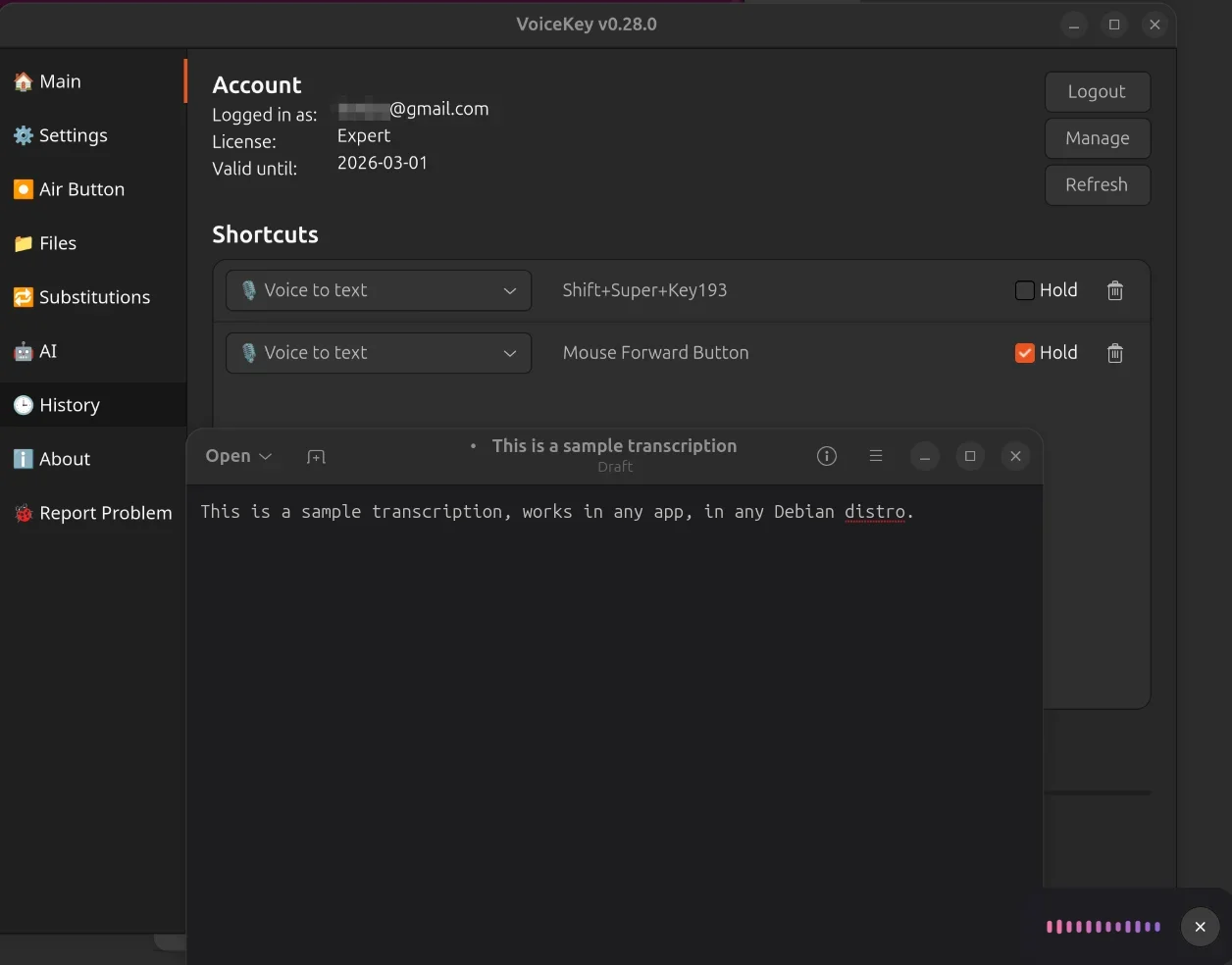
Voice typing that works everywhere
Once running, VoiceKey works in any application. Assign any keyboard shortcut or mouse button as your hotkey, optionally in hold-to-talk mode, press it, speak & your words are typed into whatever app you’re in.
Useful for:
- Writing emails, docs & chat messages by voice on Linux
- Speech-to-text for developers who prefer dictating commit messages & comments
- Accessibility — voice typing as an alternative to the keyboard
- Replacing missing native speech recognition on Ubuntu, Debian and Linux Mint
VoiceKey
VoiceHotKey is rebranding to VoiceKey. Because the Linux launch is recent, we decided to ship it under the new name from day one — that’s why the app, binary & menu entry are all called VoiceKey here. The Windows & Mac apps still run as VoiceHotKey today & will switch over in upcoming releases.